| Support Category: Certificate Inquiry |
| Specialist Notes: |
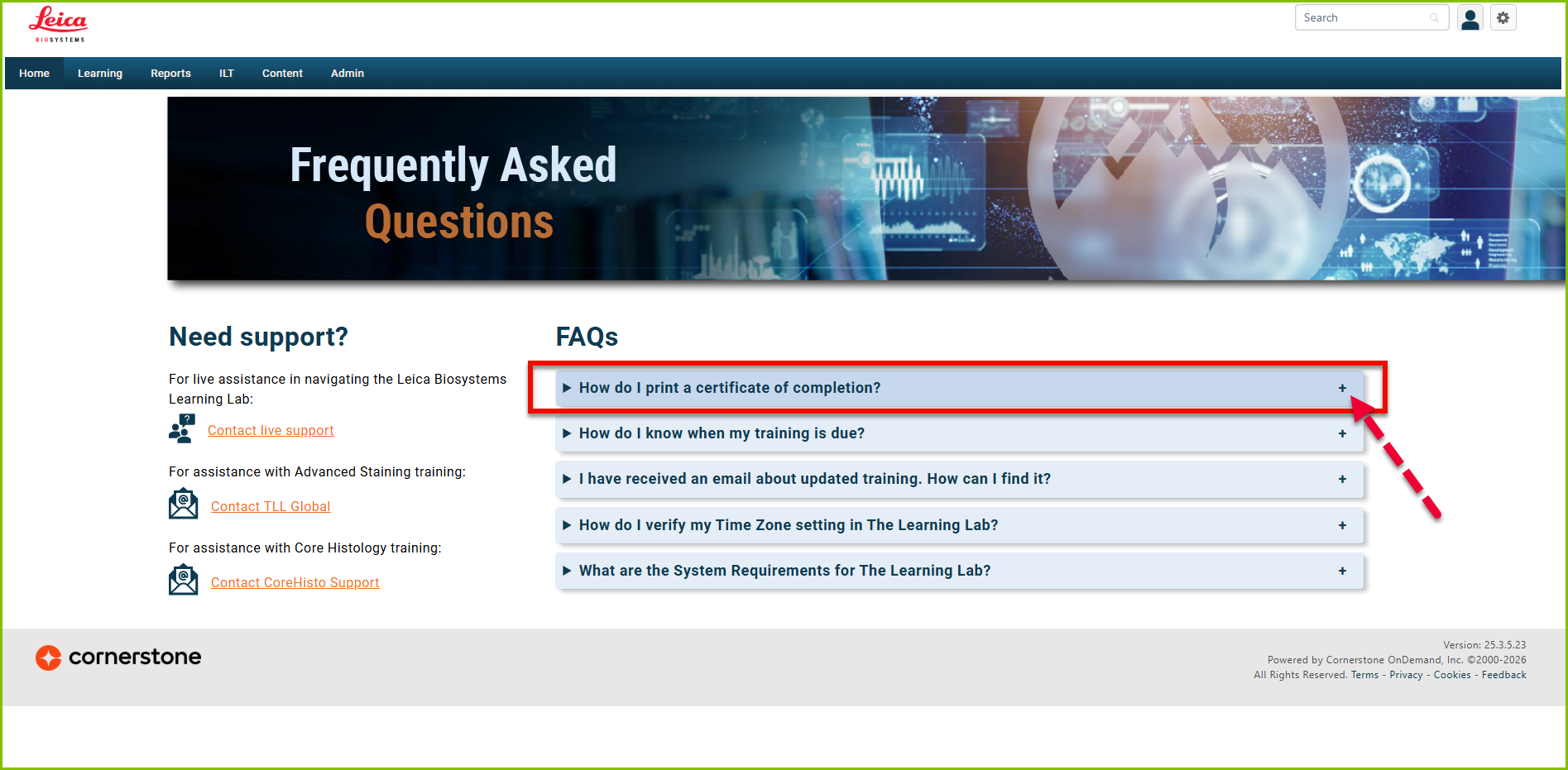
With the TLL's recent update to their Landing/Home Page, the administrators wish for their users to use the Frequently Asked Questions page as much as possible to answer any questions they may have. As seen in the screenshot below, where they can locate their certificates is here as well.
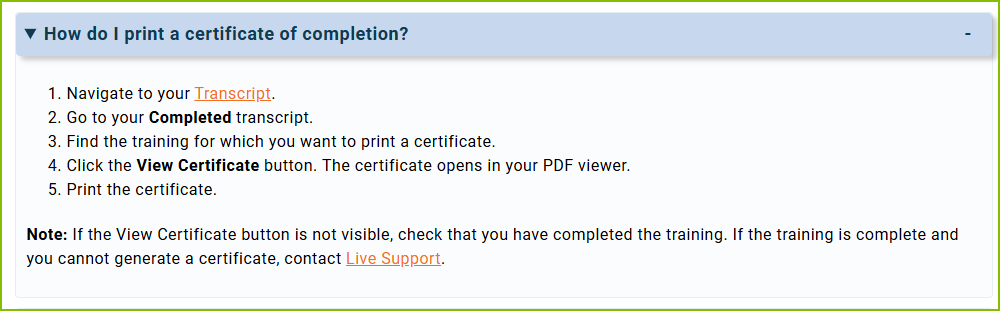
Should the curricula not have the 'View Certificate' option in the drop-down menu, please escalate to the Product mailbox.
| Standard Response: |
To locate your completed training and certificate:
1. Select the ‘My Transcript’ tile on the Learning Lab Home page.
2. On the transcript page, change Active to Completed.
3. Locate the training.
4. Click on the drop-down arrow button (next to the course).
5. From the drop-down, select the option to view the certificate.
