| Support Category: LMS Navigation |
| Specialist Notes: |
| Standard Response: |
To log out of your Learning Lab account, kindly do the following:
1. Select the gear icon in the upper right corner of The Learning Lab landing page.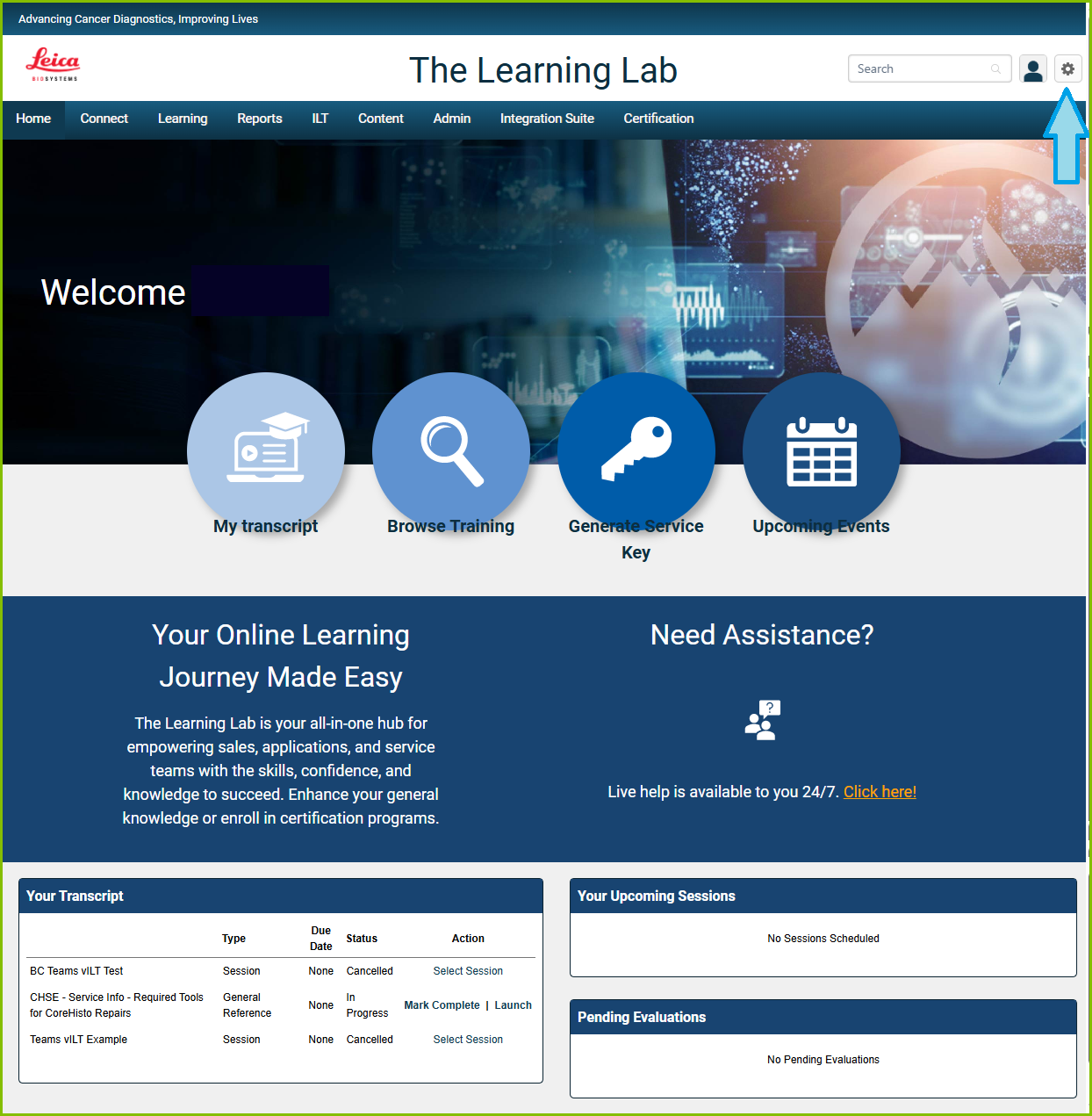
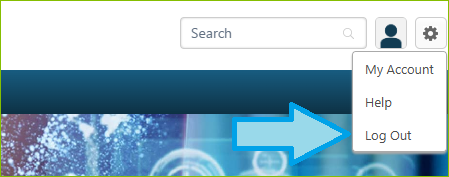
2. Select 'Log Out'.
Modified on: Thu, 30 Apr, 2026 at 2:55 AM
| Support Category: LMS Navigation |
| Specialist Notes: |
| Standard Response: |
To log out of your Learning Lab account, kindly do the following:
1. Select the gear icon in the upper right corner of The Learning Lab landing page.
2. Select 'Log Out'.
Did you find it helpful? Yes No
Send feedback