| Support Category: Course Completion Issue | Sign-Off Needed |
| Specialist Notes: |
Please provide the following instructions to users who reach out needing assistance/guidance with signing documents to move them to completion.
Kindly note these inquiries are commonly seen with QMS and SPCR documents.
| Standard Response: |
From the TLL Homepage, please hover over the Learn tab and click My Transcript.
This will take you to your active transcript page where you'll need to click the drop-down arrow next to the Launch button on the course. Click View Details.
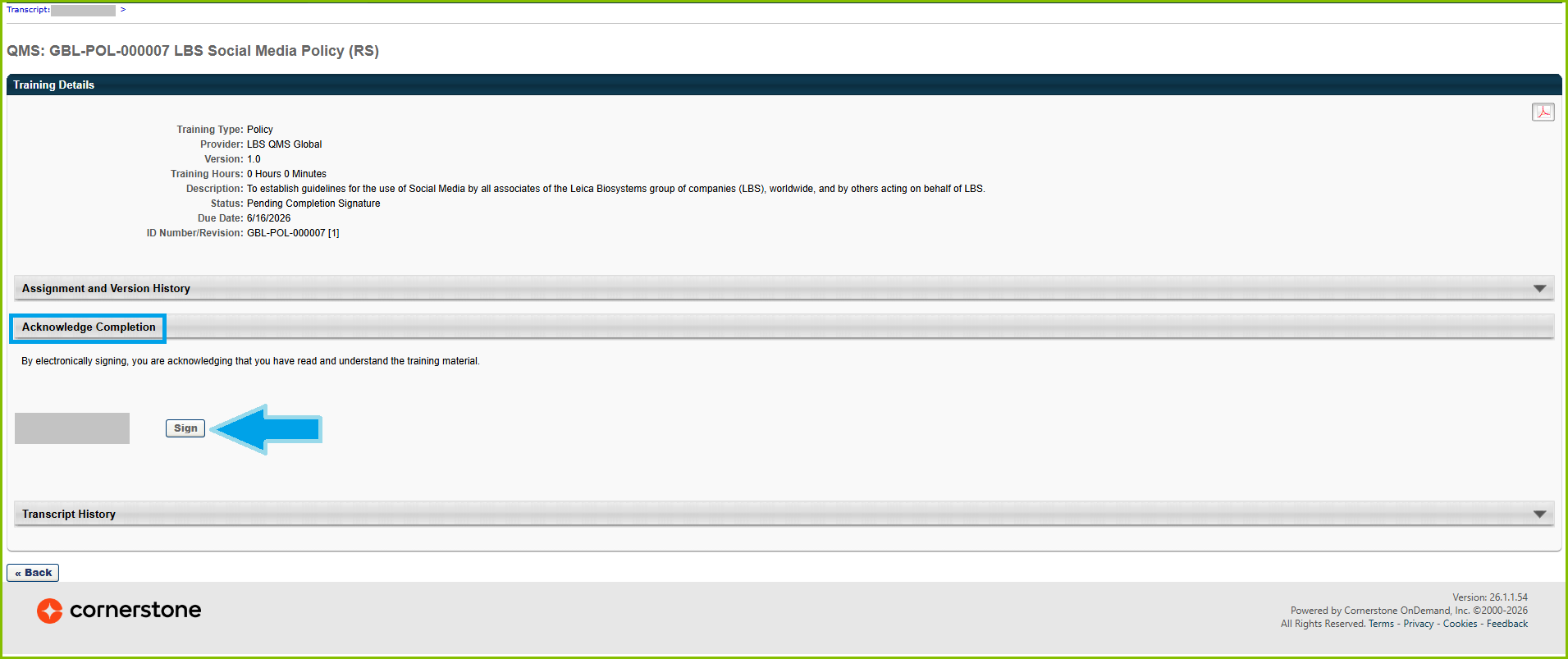
You will be redirected to the Training Details page of the document, where under Acknowledge Completion, you will see a button that says Sign, next your name. Please click the Sign button.
If you have any issues, please let me know.
